


How to Change the Language of Your cPanel Account
cPanel supports many languages. If you want to change your cPanel language to a native one, you should follow this tutorial. 1. Log in to your cPanel account. 2. In the Preferences section, click on Change Language. 3. Select the appropriate language from the drop-down menu and click on Change. The language in your cPanel […]
How to Change cPanel’s Style/Theme
Switching over to another cPanel theme with a different style is easy. 1. Log in to your cPanel account. 2. In the General Information panel. You should see a Theme option with a drop-down menu. 3. Choose your favorite theme from the drop-down menu, and it will apply automatically. That is it. You have successfully […]
How to Update cPanel Contact Information and Receive Resource Limit Notifications
If you want to receive a notification on reaching your disk quota, bandwidth usage limit or wish to update the cPanel’s contact information, follow these steps. 1. Log in to your cPanel account. 2. In the Preferences section, click on Contact Information. 3. Add or update your primary email address to receive account notifications and […]
How to Reset cPanel’s Account Password
If you have access to your cPanel account, follow these steps to reset your password: 1. Log in to your cPanel account. 2. In the Preferences section, click on Password & Security. 3. Enter your old password.4. Enter your new password or use a password generator. 5. Click on Change your password now. If it […]
How to Repair Database PhpMyAdmin
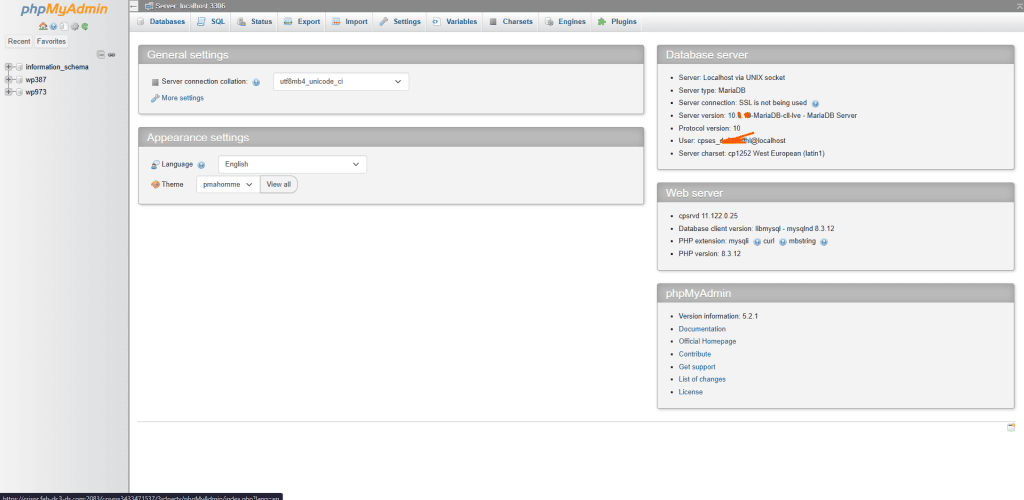
If your WordPress site is experiencing errors or slowdowns, one common solution is how to repair database phpmyadmin. Issues in the database, such as corruption, missing tables, or broken indexes, can cause site malfunctions. Repairing the database is straightforward using phpMyAdmin, a tool commonly available in web hosting control panels like cPanel. In this guide, […]
How to Backup a WordPress Site: Essential Methods for Site Security
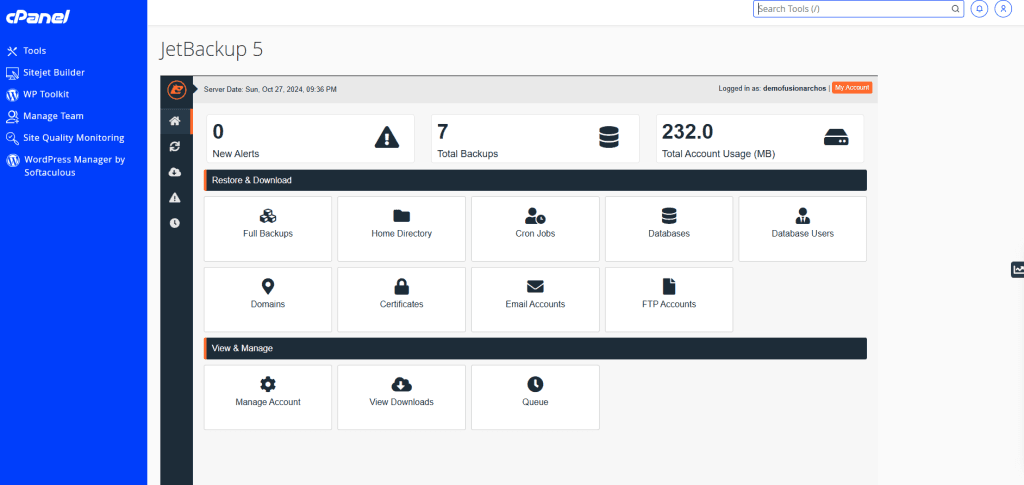
Knowing how to backup a WordPress site is critical for protecting your data and ensuring your website stays safe in case of issues like hacking, data corruption, or server problems. In this guide, we’ll cover the best ways to back up your WordPress site, including using cPanel and popular plugins, and explain how Fusion Arc […]
Upcoming cPanel Price Increase 2025 – What It Means for You
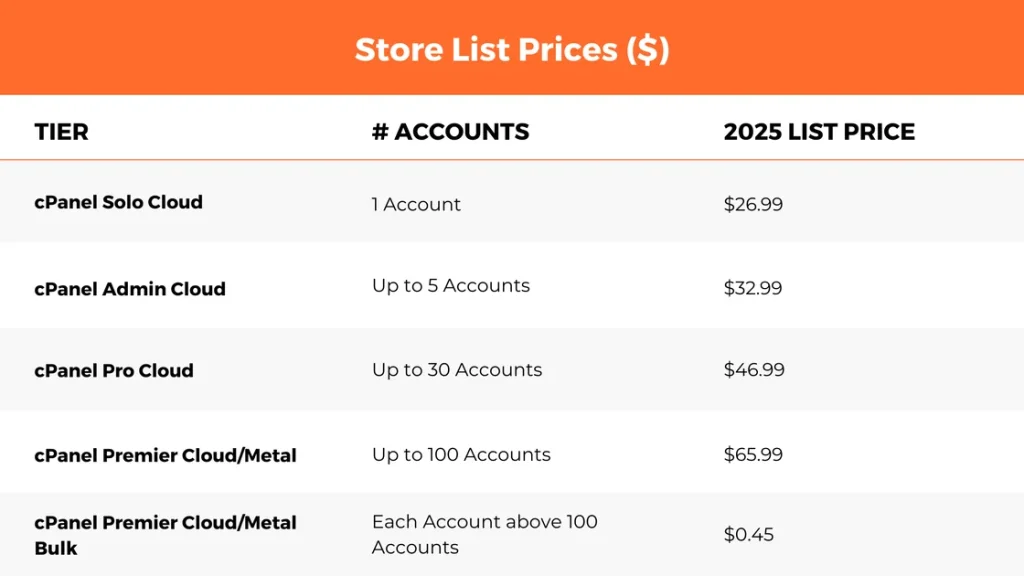
Dear Fusion Arc Hosting Customers, We hope this message finds you well. Notice of Upcoming cPanel Price Increase 2025. As always, we are committed to providing exceptional service at the most affordable rates possible. Today, we’re reaching out to inform you about an industry-wide change regarding cPanel pricing that will take effect starting January 1, […]
How to Restart Apache Web Server in cPanel/WHM

Restarting the Apache web server is an essential task for maintaining server health and applying configuration changes. If you’re wondering how to restart Apache Web Server in cPanel/WHM, this process must be performed through the WHM (Web Host Manager) root panel, not cPanel. Here’s a straightforward guide on how to restart Apache using WHM. Why […]
How to Change Password WordPress in cPanel?

If you’ve forgotten your WordPress admin password or simply want to change it for security reasons, one way to regain access to your WordPress dashboard is through cPanel. This guide will show you how to easily reset or change your WordPress password using phpMyAdmin in cPanel. Why Should You Change Your WordPress Password? Changing your […]
Introducing Free Offsite Automated Backups
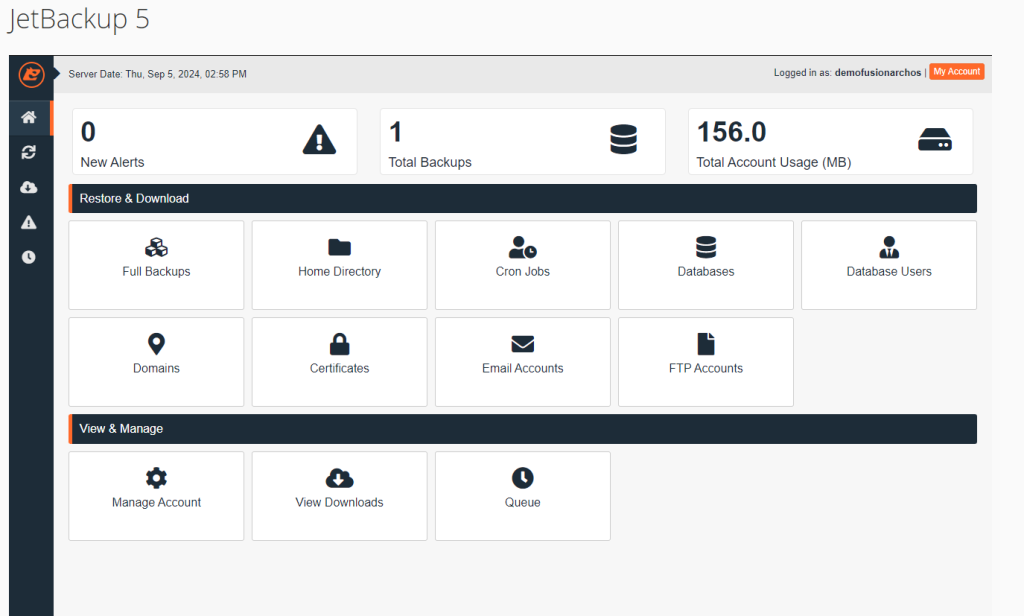
At Fusion Arc Hosting, we are always striving to enhance our services to provide you with the best hosting experience. We are excited to introduce a new feature that will give you peace of mind and added security for your website: Free Offsite Automated Backups via cPanel > JetBackup with Fusion Arc Hosting. Why We […]