



In this tutorial, you will learn how to remove a subdomain redirect in Plesk. This is useful when you no longer want the subdomain to forward to an external website.
1. Log in to your Plesk account.
2. Click on Websites & Domains from the Sidebar Menu.

3. Under the list of Domain names, click on the  Hosting Settings icon appearing in the same row of the subdomain.

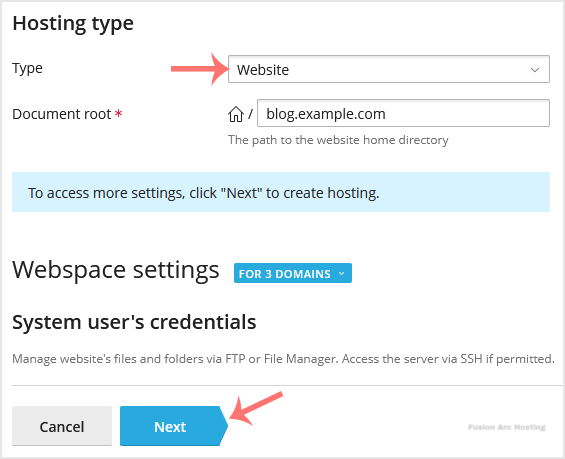
4. Under Hosting Type, select the Website option from the drop-down menu. Click Next, then click Save. Leave all other options as it is.
The subdomain redirect has been successfully removed in Plesk.

