



You can subscribe to an invoice for recurring payments. The subscription option is only available if you are purchasing a recurring service and the invoice due date is in the future.
1. Log in to your hosting client area.
2. Go to the Invoices section, open the unpaid invoice you want to subscribe to, and make sure you set the payment method as PayPal.
3. Click on the PayPal or Pay Now.

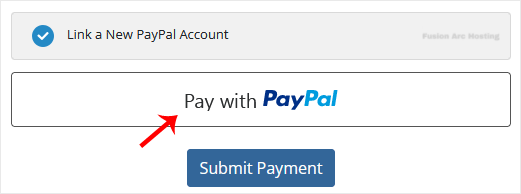
4. To link your PayPal account, choose Pay with PayPal.
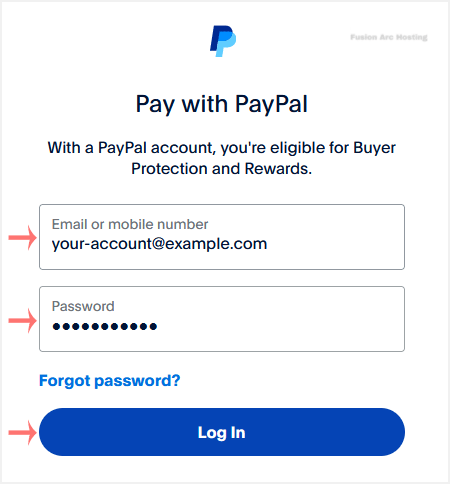
5. PayPal asks you for login details. Enter your PayPal credentials and click Log in.
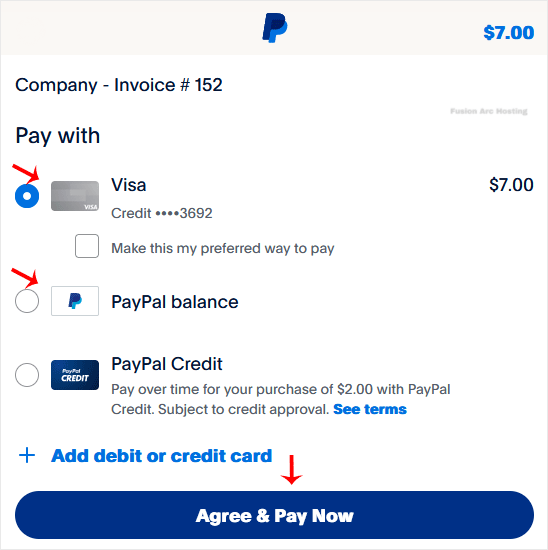
6. Choose an appropriate payment source, such as your debit card or another method, and click Agree & Pay Now.
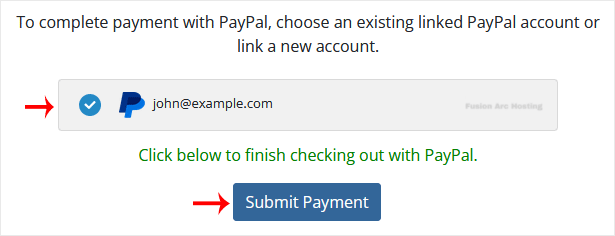
7. Now click Submit Payment.
If everything goes right, the system notifies you that you paid the money and created a subscription. If it shows a link to Return to Merchant, click on it, and in case it is not working, you can close the browser window.

