



You can find our nameservers in your hosting welcome email. You need to update your domain nameservers to our nameservers.
If your domain is registered on NameCheap, you should follow this tutorial to update your domain’s Nameservers.
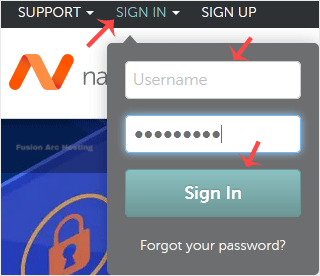
1. Open the NameCheap.com website and click on Sign In. It will show you a login form.
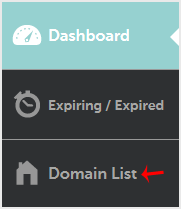
2. From the left-side menu, click on Domain List.
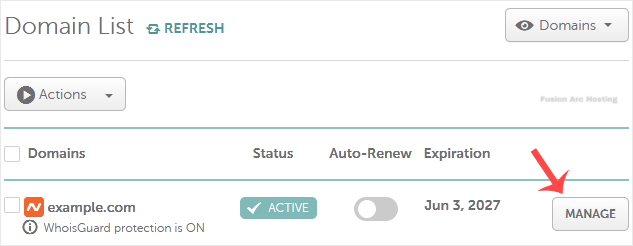
3. Under Domain List, locate your domain and click Manage next to it.
4. Scroll down to the Nameservers option and select Custom DNS from the drop-down menu.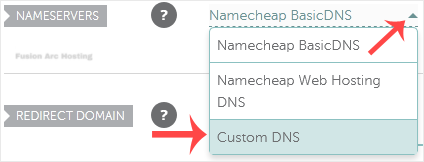
5. Enter your nameservers in the text fields and click on the Save icon.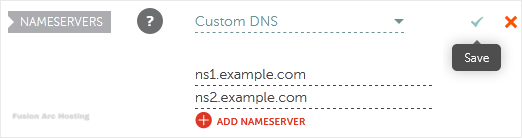
Note: It may take anywhere from 12 to 24 hours for the changes to take effect worldwide.

